
Instant Infographics
Create high-quality infographics in minutes w/ AI

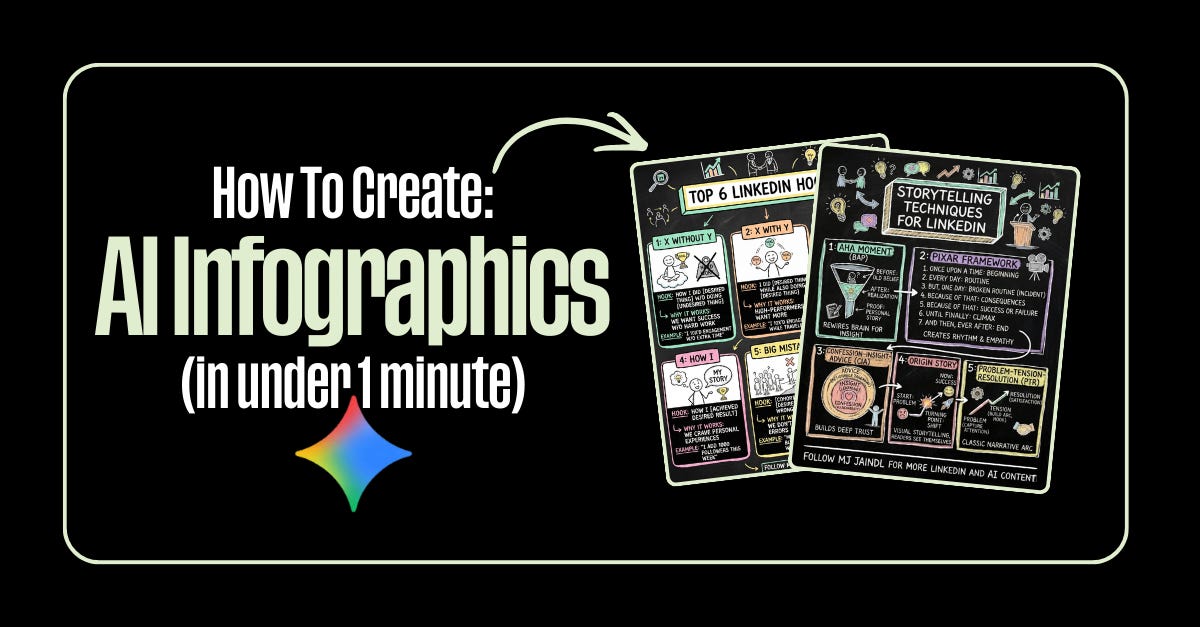
I love infographics.
The design. The structure. That moment when everything clicks into place visually. I can easily lose hours perfecting one.
But most weeks? I don’t have hours.
So I rebuilt the process.
Now I can create a solid infographic in under a minute using AI—no Canva templates, no wrestling with layouts, no creative burnout.
The shift
Same idea. Different tool. Way faster output.
Infographics used to require real design chops or a real budget. Now they’re basically free and almost embarrassingly fast to make.
My 5-step system (exactly what I use)
1. Pick one clear idea. What are you teaching or explaining? If it’s fuzzy in your head, it’ll be fuzzy on the page.
2. Open Google Gemini. Select the “Thinking” model.
3. Turn on Image Creation. This activates Nano Banana Pro.
4. Create the outline first. Use this prompt:
“Here’s my idea about [TOPIC]. Help me build an outline for an infographic.”
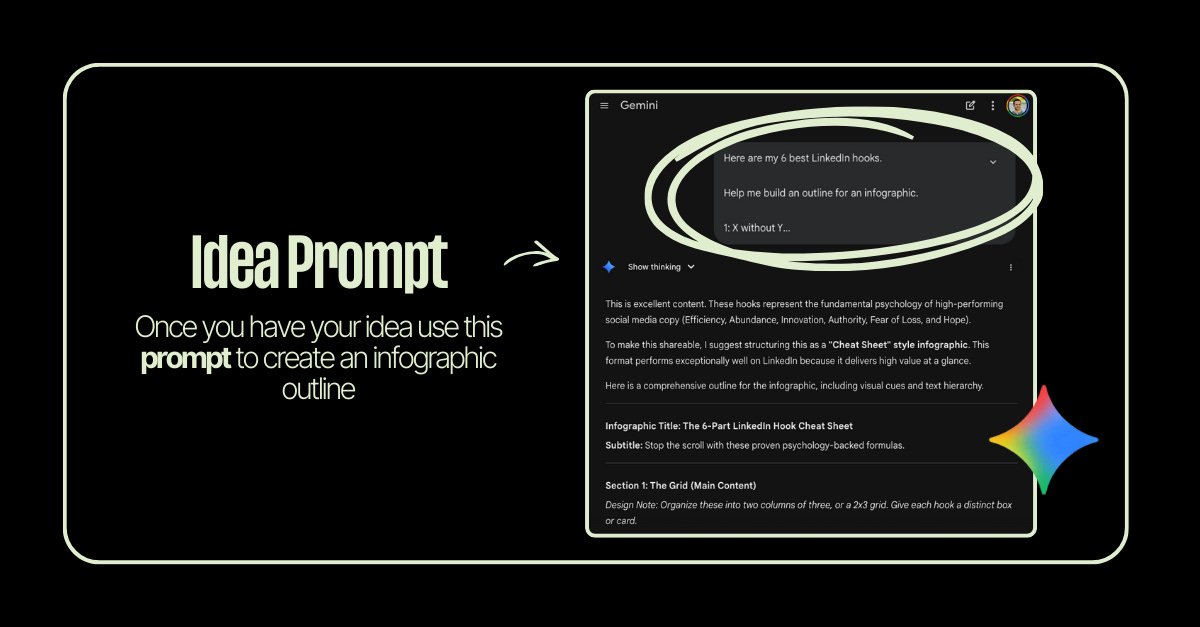
This step matters more than anything else. Structure before visuals = better results every time.
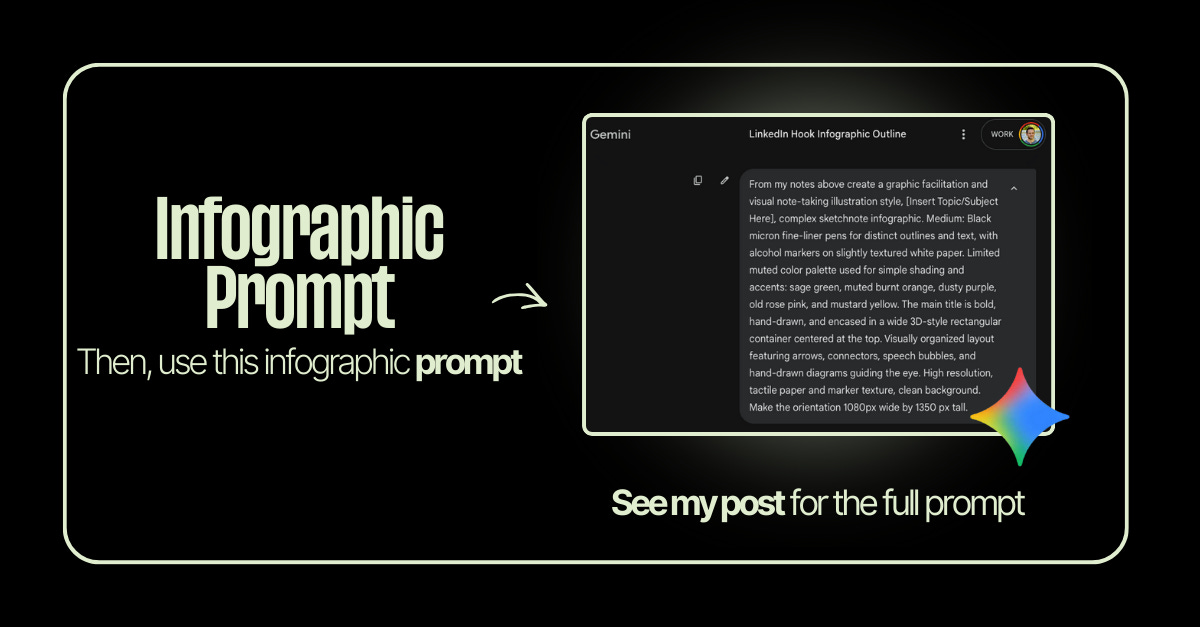
5. Generate the infographic. Use this image prompt (copy/paste friendly):
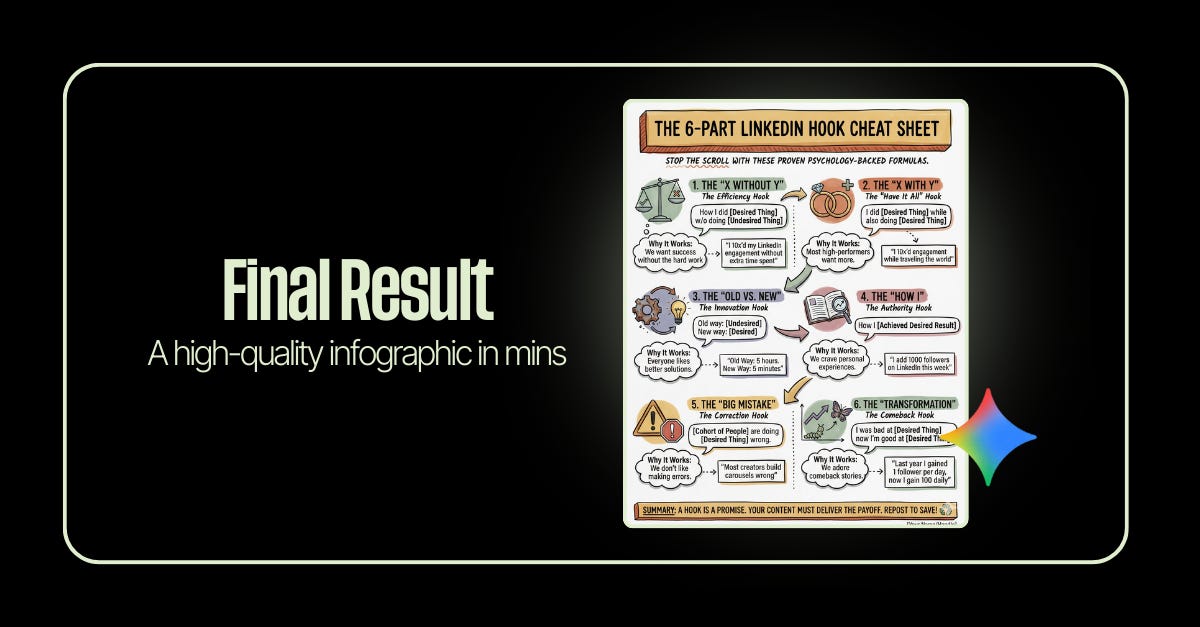
“From my notes above create a graphic facilitation and visual note-taking illustration style, complex sketchnote infographic. Medium: Black micron fine-liner pens for distinct outlines and text, with alcohol markers on slightly textured white paper. Limited muted color palette used for simple shading and accents: sage green, muted burnt orange, dusty purple, old rose pink, and mustard yellow. The main title is bold, hand-drawn, and encased in a wide 3D-style rectangular container centered at the top. Visually organized layout with arrows, connectors, speech bubbles, and hand-drawn diagrams guiding the eye. High-resolution, tactile paper texture. Orientation: 1080 × 1350.”
That’s it. Five steps. One minute. A finished infographic that used to take hours.
Why this matters
This isn’t about cutting corners on design.
It’s about:
Spending your time on thinking, not formatting
Turning ideas into assets faster
Removing the friction between having an insight and actually sharing it
The bigger picture
There’s a narrative out there that AI kills creativity. That it makes us lazy. That it cheapens the work.
I think it’s the opposite.
AI doesn’t replace the creative process—it removes the barriers to it. The ideas still have to come from you. The clarity still has to come from you. The point of view still has to come from you.
What AI does is get the logistics out of the way so you can actually create.
The people who will thrive aren’t the ones avoiding these tools. They’re the ones using them to share more of what’s in their heads with the world.
Your ideas deserve to be seen. Now there’s less standing in the way.
Happy Saturday
MJ ✌️
Ooo love this !
Amazing... surely gonna test it out...🙌😀