
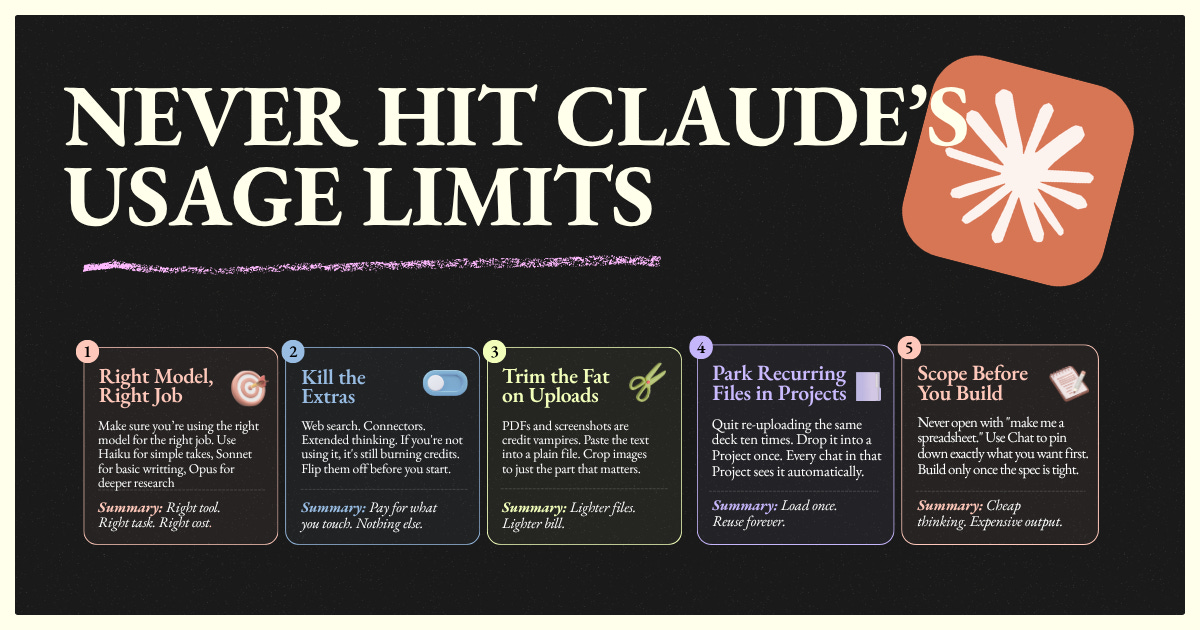
Never Hit Claude’s Usage Limits
10x your productivity without 10x'ing you Claude bill

Everyone needs to be using Claude.
If you’re not, you’re already behind.
That doesn’t mean lighting your money on fire to use it.
Most people hit Claude’s usage limit and blame the limit.
The limit is fine. The way you’re using Claude is the problem.
I hit the ceiling once. Mid-task, mid-week, mid-flow. Locked out for hours.
So I sat down and figured out where my credits were actually going. Not what I assumed. What was real.
Turns out 80% of my usage was coming from habits I didn’t even notice. Bloated uploads. Stale chats I never reset. Features running in the background I wasn’t using.
I rebuilt the way I work with Claude around 9 specific moves. I haven’t hit the limit since. Not in theory. In practice.
Here’s the playbook.
9 Ways to Never Hit Claude’s Usage Limits
No fluff. Just what actually works.
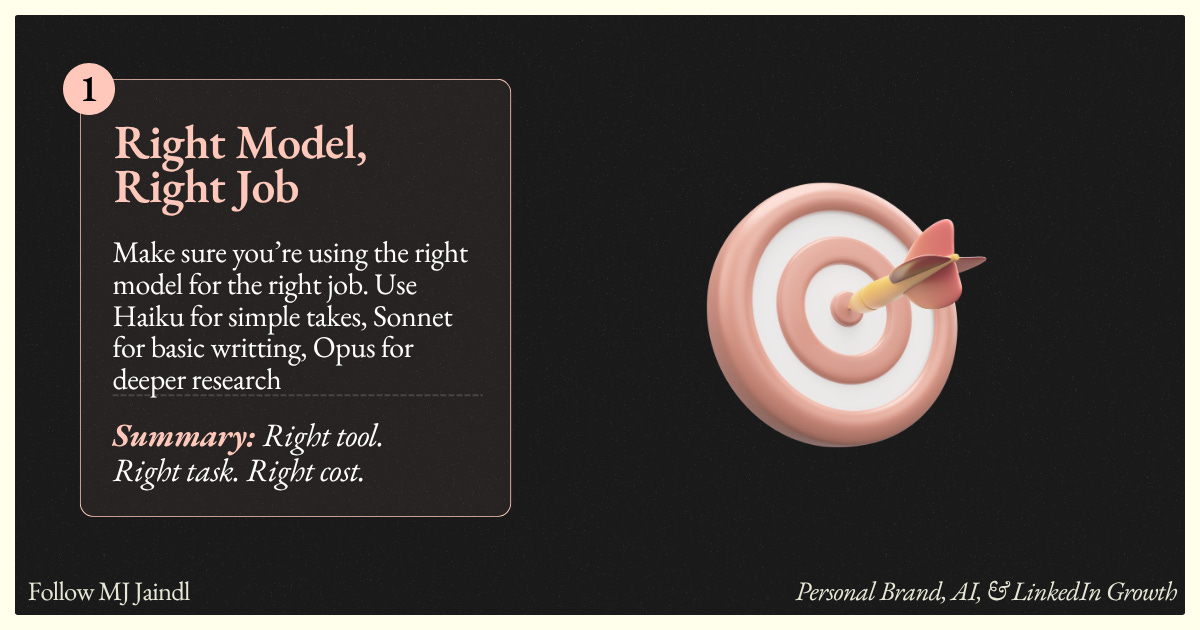
1. Right Model, Right Job
Not every task needs Opus. Most don’t.
Cleanup work, formatting, summaries, simple rewrites. Haiku handles those at a fraction of the cost.
Drafting, analysis, planning. Sonnet is the workhorse.
Hard reasoning, complex code, multi-step strategy. That’s when you reach for Opus.
People default to the most expensive model and wonder why they run out. Picking the right tool for the job is free leverage.
Summary: Right tool. Right task. Right cost.
2. Kill the Extras
Web search. Connectors. Extended thinking.
Every feature you leave on burns credits even when you don’t use it.
Writing a LinkedIn post? No reason for web search to be on.
Drafting an email reply? You don’t need extended thinking.
Working from a doc you already pasted in? Connectors can be off.
Treat each chat like a clean kitchen. Pull out the tools you need. Leave the rest in the drawer.
Summary: Pay for what you touch. Nothing else.
3. Trim the Fat on Uploads
PDFs and screenshots are credit vampires.
That 40-page PDF you uploaded? Claude is processing every word, every footer, every page number. Even if you only care about page 12.
Same with screenshots. You only needed the text in the middle. Claude is parsing the whole image.
Paste the relevant text into a plain message. Crop screenshots to the part that actually matters.
You’ll cut your token cost in half on most file-based tasks.
Summary: Lighter files. Lighter bill.
4. Park Recurring Files in Projects
If you’re re-uploading the same deck, brand guide, or reference doc into every chat, you’re paying for it every time.
Drop it into a Project once. Every chat inside that Project has it loaded automatically. No re-upload. No re-processing. No re-paying.
I keep my voice guide, content pillars, and audience profile in a “Content” Project. Every post I write starts with that context for free.
Summary: Load once. Reuse forever.
5. Scope Before You Build
Don’t open a fresh chat with “make me a spreadsheet that tracks my LinkedIn posts.”
That’s how you end up with 5 versions, 4 rewrites, and a credit bill that should’ve been one clean build.
Use Chat to scope first. What columns? What sources? What format?
Lock it down in conversation. Then ask Claude to build it once the spec is tight.
Cheap conversation upfront. Expensive output once. Not the other way around.
Summary: Cheap thinking. Expensive output.
6. Make Claude Interview You
Stop writing 500-word prompts.
End your message with: “Ask me questions first.”
Then click the choices Claude offers.
You’ll get a sharper output in a fraction of the words. Clicks are free. Typing isn’t. And every word you typed was a token Claude had to process before it even started working.
This is the single fastest fix on the list. Try it on your next big task.
Summary: Clicks are free. Typing isn’t.
7. Edit. Don’t Repeat Yourself.
Claude flubbed the output. What do most people do?
Send a follow-up: “Actually, can you redo it but this time...”
Now Claude reads the original prompt, the bad output, your correction, and generates a new version. You just paid for the same task twice.
The fix: edit the original message. Regenerate. The bad version disappears. The new one replaces it.
One charge, not three.
Summary: Every “actually, I meant...” jacks up the tab.
8. Reset the Chat Every 10-15 Messages
Long threads drain credits.
Every message you send re-reads the entire chat history. By message 30, Claude is re-processing everything you’ve ever said in that conversation just to answer “what about this?”
Hit a natural breakpoint? Summarize where you are. Copy what you need. Start fresh.
Two short chats almost always cost less than one long one.
Summary: Short chats = cheap chats.
9. Space Out Your Sessions
Claude runs on a rolling 5-hour window. Burn it all in hour one and you’re locked out for four.
Plan your work in 2-3 sessions across the day instead of one big push. Combine asks inside each session so you’re not opening a new chat for every micro-task.
By the time you’d be hitting the limit on a single sprint, your usage from session one has already reset.
Summary: By the time you’re back, your limit already reset.
The Real Move
Hitting Claude’s limit isn’t a Claude problem. It’s a workflow problem.
Most people use Claude like a slot machine. Pull, pull, pull, hope something good comes out.
The operators I know use it like a tool. Right model. Right scope. Right files. Right pacing. The output is better and the bill is half.
Pick three of these to install this week. Watch what happens to your usage.
Thanks for reading. If this saved you a session, share it with someone who keeps hitting the wall.
Much love ✌️
MJ